 Slavic Jam Session
== THE JAM ==
The Slavic Jam Session starts on Saturday, July 25th at 6 PM CEST (4 PM UTC) and takes two hours. The first hour is meant to be a warm up, and if all goes well we'll make a multi-track recording of the second hour.
If you don't want to play but just listen, we'll try to make the jam available as a stream as well (available only during the jam session time slot), so you won't have to install or configure any additional software.
Aside of the dedicated Jam Session hours, the Jamulus server will be online for the whole Slavic Game Jam, so feel free to hop on and play anytime you want!
== HOW TO JOIN ==
First, get and install latest Jamulus from http://llcon.sourceforge.net/
Jamulus is a Free Software application for Windows, GNU/Linux and macOS that is specifically made for playing music together over the Internet. Unlike Discord, Zoom, Jitsi etc. it's able (under right conditions) to maintain reasonable latency for musicians to stay synchronized with each other.
There are various how-tos available on the Web on how to install, configure and use Jamulus:
- https://github.com/corrados/jamulus/wiki/Getting-Started
- https://audiogeek11.com/jam-music-online-with-jamulus/
- https://www.youtube.com/watch?v=2TqehIebsm4
- https://www.youtube.com/watch?v=e_MNQkLFOCM
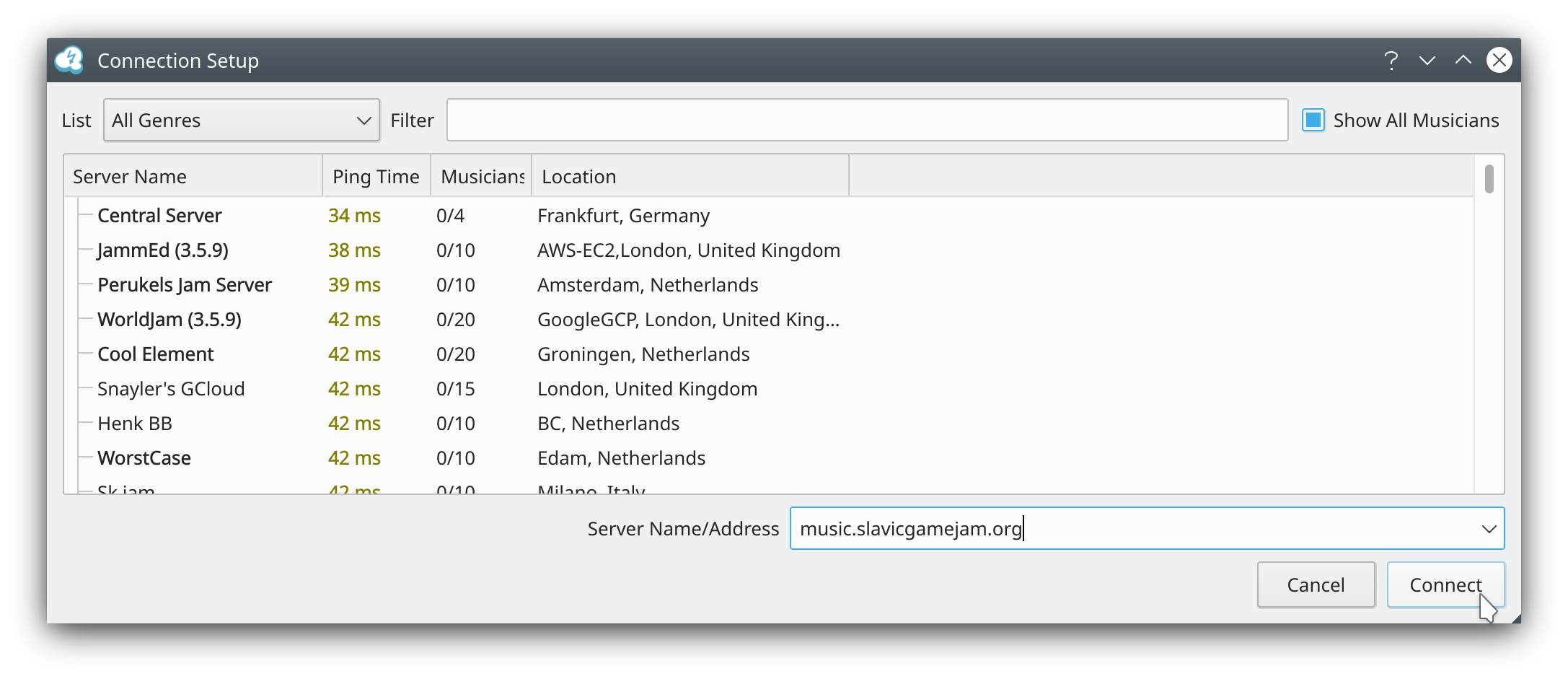
When you're done with configuration, you can join the Slavic Jam Session server:
music.slavicgamejam.org
== RULES ==
IMPORTANT! Make sure to disable monitoring in your local audio gear. You really don't want to hear yourself locally, you need to listen to your own audio coming back from the server. This ensures that what you play is synchronized with what others play. This of course also means that you'll have a hard time playing when the latency goes high, but that's unfortunately something that can't be avoided when jamming online.
Also, please mute your input when connecting to the server. You don't want to be that person connecting and immediately causing painful feedback to all other players ;) It might be a good idea to first connect to some empty public server to make sure you've got everything set right.
== LATENCY ==
Check your total audio latency - if Jamulus shows green or yellow light, you should be good to go. If it's red, check your settings, try different buffer sizes etc. - playing with the red light is close to impossible. Unfortunately, some network/audio gear/driver combinations may make you unable to get down to reasonable latency, in which case you may not be able to participate in a meaningful way, sorry :(
The server is located in Warsaw, Poland, Europe, Earth. The closest you geographically are to Warsaw, the greater chance for good latency you have.
== TIPS FOR BEGINNERS ==
When joining other players, try to fit the mood and flow of the currently playing song as much as you can. This is a collaborative experience and depends on people working together - if you want a different style, genre, tempo etc. you should either wait until the song is over or try to slowly evolve the current song into the desired shape (but respecting other players, they may have different preferences).
It might be a good idea to mute yourself while you try to find correct tonation, chords etc. that match the song and unmute when you think you're ready.
Last but not least - don't be afraid. We play for fun. Even if you can only play one chord or can just make some silly noises, you may still contribute a lot if you play it at the right time :)
- dos